



Downloading - additional information
Knowledge Base > FAQs
When you download the software, you MAY see this message:
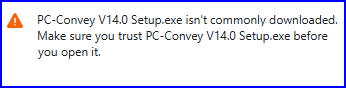
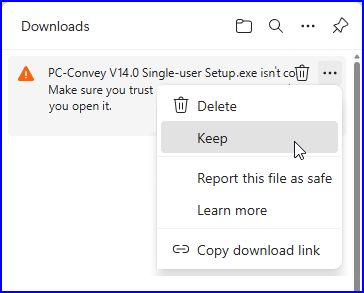
If you see that message, click on the 3 dots and select "Keep":
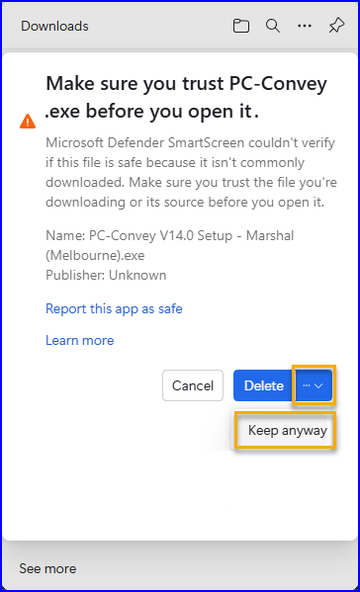
Next click on the down arrow and select "Keep anyway":
This will rename the file with its actual name:
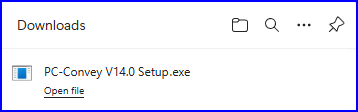
You can then install the software.